

Jeetbuzz Sign Up Instructions
Creating a Jeetbuzz account takes under three minutes. Follow these steps to complete your registration and access all games and betting markets.
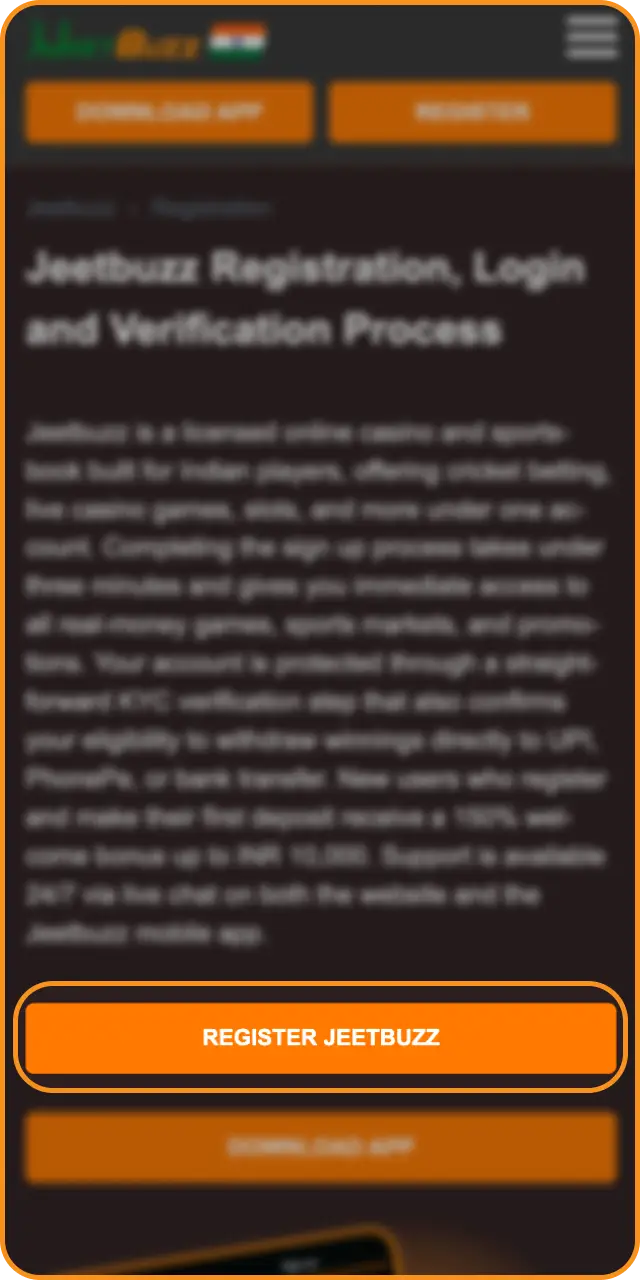
1 Click the Register Button
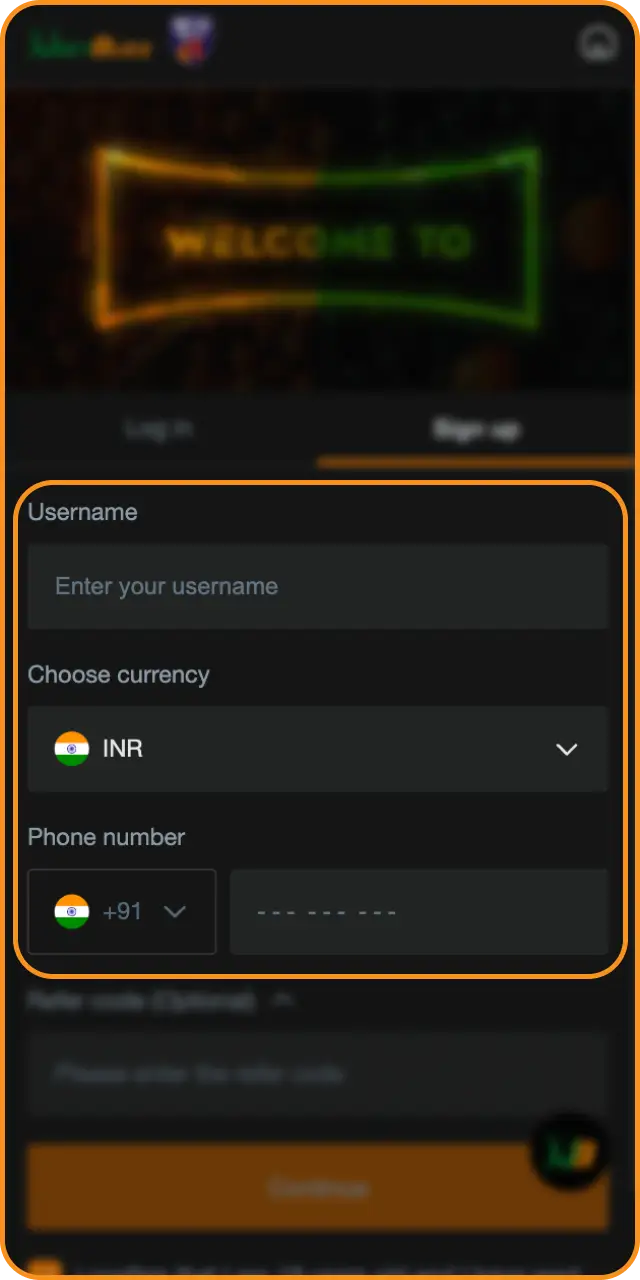
2 Fill In Your Details
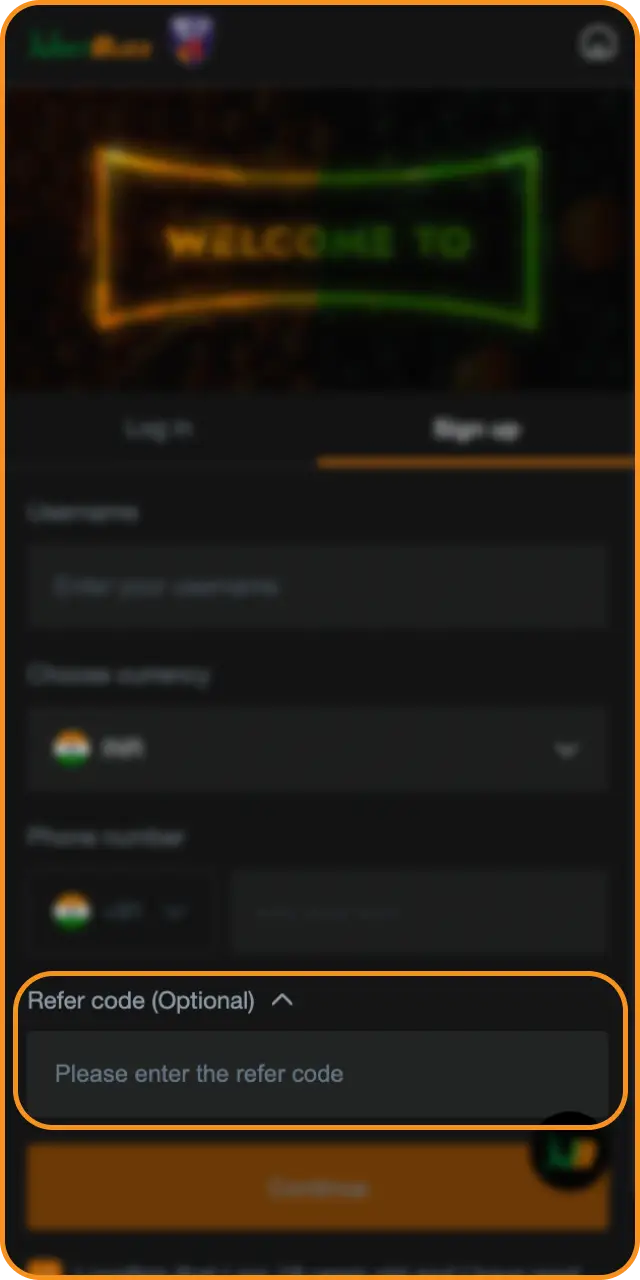
3 Enter Your Referral Code (Optional)
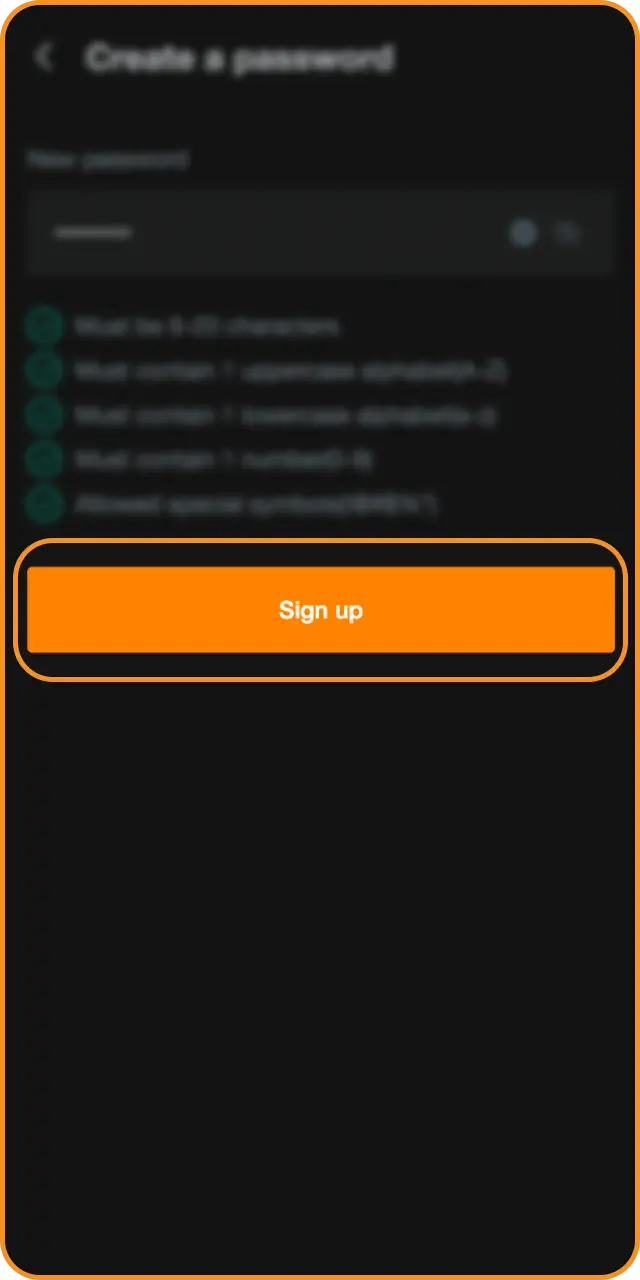
4 Submit and Confirm
5 Access Your Account
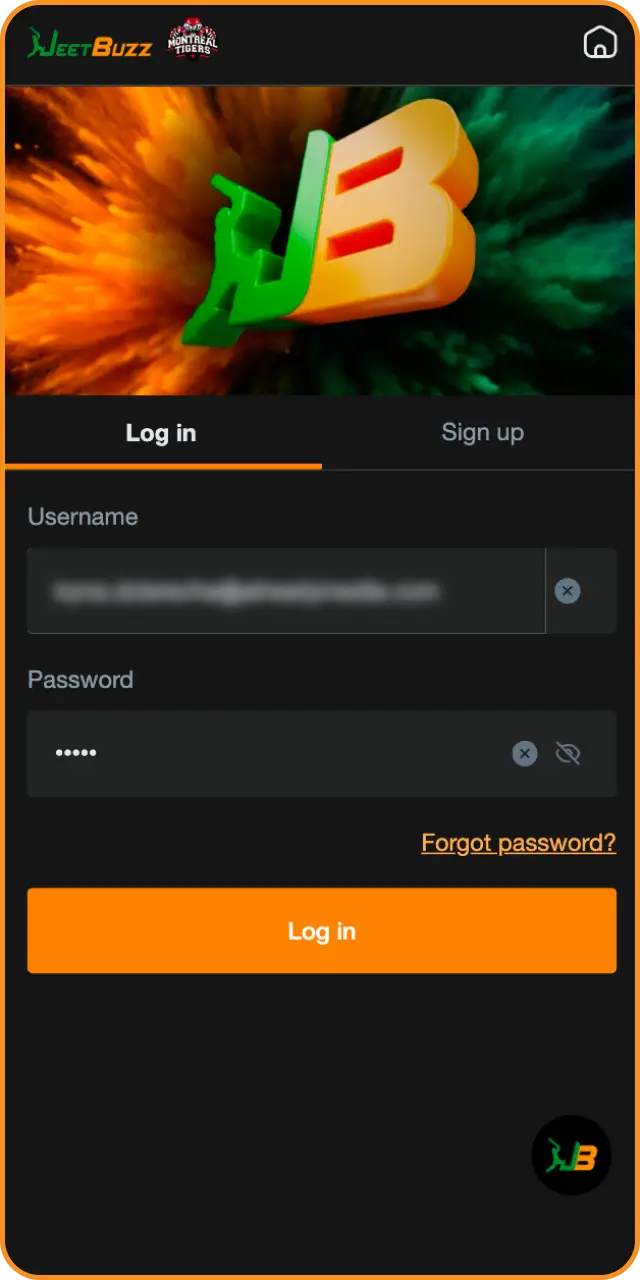
Registration via the Jeetbuzz Mobile App
The app registration process mirrors the website steps, with the added convenience of biometric login available after your first sign in. The following steps assume the Jeetbuzz app is already installed on your Android device.
- Open the Jeetbuzz app and tap “Register” on the home screen.
- Choose your preferred method: mobile number or email address. Enter the required details, including your full name, date of birth, and a secure password.
- Tap “Submit” and enter the OTP sent to your mobile or email to verify your contact details.
- Your account is now active. You can deposit via UPI, Paytm, or bank transfer and begin playing immediately.
Registration Requirements for a Jeetbuzz Account
All users must meet specific eligibility criteria before completing registration. These requirements exist to comply with the platform’s licensing obligations and to protect account holders. Only one account is permitted per person, per household, and per device. Any duplicate accounts detected will be suspended without notice.
- You must be at least 18 years of age to register and place real-money bets.
- You must provide accurate personal information, including your legal name, date of birth, and a valid contact number or email address.
- You must be located in a jurisdiction where online gambling is not explicitly prohibited under local law.
- You must not already hold an active or previously closed Jeetbuzz account.
- Valid government-issued ID (Aadhaar card, PAN card, or passport) must be available for submission during the KYC verification stage before your first withdrawal.
Jeetbuzz Account Verification Process
Account verification (KYC) is required before processing your first withdrawal. This step confirms your identity, protects your funds, and ensures compliance with anti-money laundering guidelines applicable to Indian players. Complete verification as early as possible to avoid delays when cashing out.
- Identity Verification: Upload a clear photo or scan of a government-issued ID. Accepted documents include your Aadhaar card, PAN card, or passport.
- Address Verification: Submit a document confirming your current residential address, such as a utility bill or bank statement dated within the last 90 days.
- Payment Method Verification: Confirm the UPI ID, bank account, or e-wallet linked to your account. This ensures withdrawals are processed to a method you own.
- Selfie Check: In some cases, you may be asked to submit a selfie holding your ID document. This is a standard fraud prevention measure.
- Review and Approval: The support team reviews submitted documents. Approval is typically completed within 24 hours of submission.
Login to Your Jeetbuzz Account
Logging in to your account takes seconds on both the website and the mobile app. Use the steps below each time you access your account.
- Open the Login Page. Click the “Login” button at the top of this page to open the account sign in form.
- Enter Your Credentials. Type in the mobile number or email address used during registration, followed by your password.
- Complete OTP Verification (If Prompted). On new devices or after a password reset, an OTP will be sent to your registered mobile number or email. Enter it to confirm your identity.
- Access Your Dashboard. Once signed in, you can place bets, play casino games, check your bonus balance, and manage deposits or withdrawals from your account dashboard.
Welcome Bonus Available After Registration
Jeetbuzz offers a first-deposit welcome bonus available to all newly registered players on the platform. New users receive a 150% bonus on their first deposit, up to a maximum of INR 10,000. The bonus applies across casino games and sports betting, giving you extra funds to explore live dealer tables, slots, and cricket markets from day one of your account.
| Bonus Detail | Information |
|---|---|
| Bonus Type | First Deposit Welcome Bonus |
| Bonus Percentage | 150% |
| Maximum Bonus Amount | INR 10,000 |
| Minimum Deposit Required | Check the promotions page for the current minimum |
| Eligible Products | Casino and Sports Betting |
| Wagering Requirements | Refer to the official Terms and Conditions on the promotions page |
The bonus is credited to your account automatically after your qualifying deposit is confirmed. Review the full terms on the promotions page before depositing.
Steps to Claim Your Jeetbuzz Welcome Bonus
1 Register Your Account
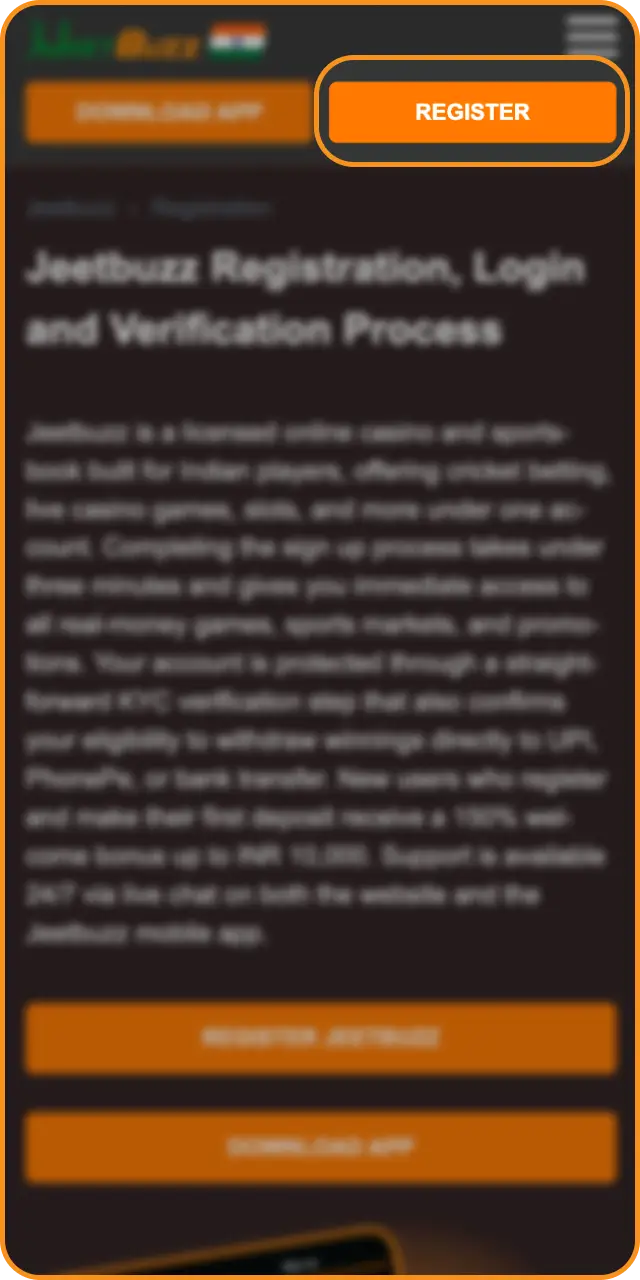
2 Navigate to the Deposit Section
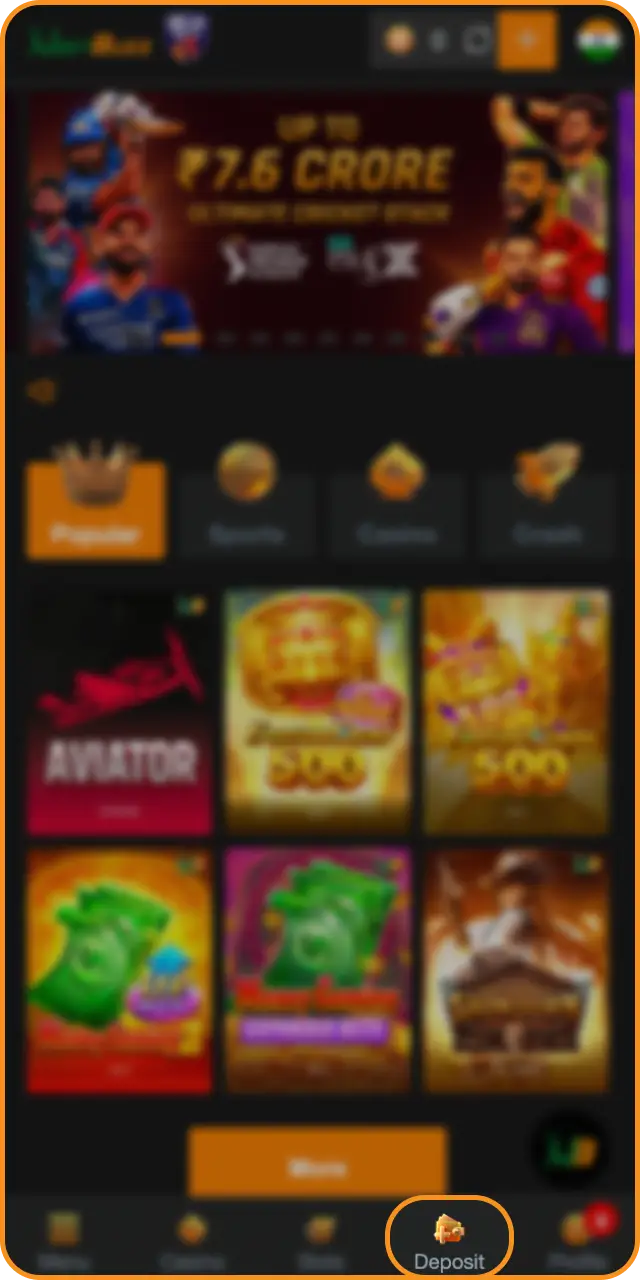
3 Make Your First Deposit
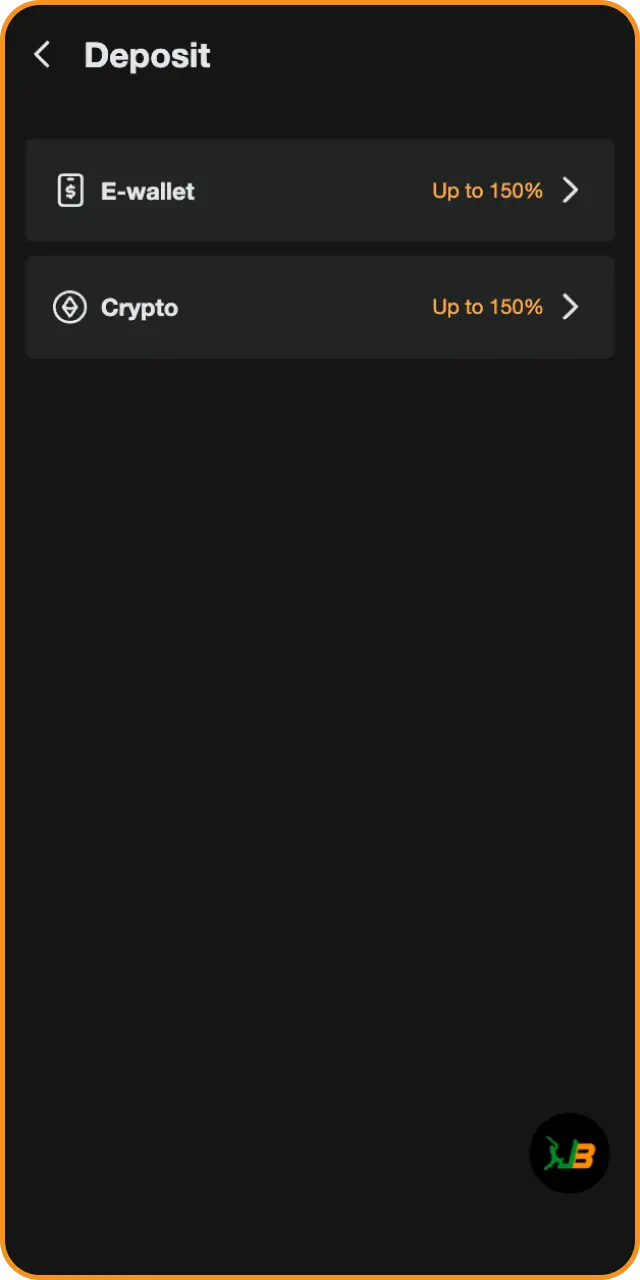
4 Confirm Bonus Activation

Potential Issues During Account Registration
Most registration problems are resolved quickly by following the correct steps or contacting 24/7 live chat support. Below are the most common issues Indian players encounter and how to resolve them.
- OTP not received: Check that your mobile number or email was entered correctly. Request a new OTP after 60 seconds. If the problem continues, contact live chat support;
- Email or mobile number already registered: Only one account is allowed per user. If you previously registered, use the password recovery option instead of creating a new account;
- Form submission error: Ensure all required fields are filled and that your date of birth confirms you are 18 or older. Clear your browser cache and retry;
- Documents rejected during KYC: Resubmit a clearer, unobstructed scan of your Aadhaar card, PAN card, or passport. Ensure the document is not expired;
- Deposit not reflecting after registration: Payment processing times vary by method. UPI deposits are typically instant. If your balance has not updated after 15 minutes, contact support with your transaction reference number.
Account Password Recovery
If you have forgotten your password, you can regain access to your account in a few steps using your registered mobile number or email address.
- Click “Forgot Password” on the login page of the website or mobile app.
- Select your recovery method: mobile number or email address. Enter the contact detail linked to your account.
- Receive and enter the OTP sent to your registered mobile number or email address to confirm your identity.
- Create a new password. Use a combination of letters, numbers, and special characters for security.
- Log in with your new credentials. If you do not receive the OTP within two minutes, contact 24/7 live chat support for manual account recovery assistance.
How to Delete Your Jeetbuzz Account
Account deletion is permanent and cannot be reversed. Players typically request account closure for personal reasons, responsible gambling self-exclusion, or inactivity. Before submitting a deletion request, withdraw any remaining balance from your account.
- Log in to your account and navigate to the “Account Settings” or “Profile” section.
- Locate the account closure or self-exclusion option. If this option is not visible in your settings, contact 24/7 live chat support and submit a formal account deletion request.
- Confirm your identity by providing the required details requested by the support team.
- Once processed, your account will be permanently closed and all personal data handled in accordance with the platform’s privacy policy.
FAQ
Can I register a Jeetbuzz account using my mobile number instead of email?
Yes. During sign up, you can choose to register using your mobile number. An OTP will be sent via SMS to verify your number before the account is activated.
How long does the KYC verification review take after I submit my documents?
Document review is typically completed within 24 hours of submission. During peak periods it may take slightly longer. You will receive a notification once your verification status is updated.
Is it possible to have more than one account for different family members at the same address?
No. The platform permits only one account per person, per household, and per device. Multiple accounts at the same address are treated as duplicate accounts and will be suspended.
Which payment methods can I use to deposit immediately after registration?
You can deposit using UPI, PhonePe, Paytm, and direct bank transfer. UPI deposits are processed instantly in most cases, allowing you to place bets within minutes of completing registration.
Can I access my account on both the website and the mobile app using the same login credentials?
Yes. Your registered mobile number or email address and password work across the website and the Android app. You do not need separate credentials for each platform.